

As much as I love the hands-on engagement and rewards of using old-school, tried-and-true navigation tools like magnetic compasses and paper maps, there’s something to be said for technology. But it took me a long time to admit that.
I’m not afraid of technology, but I’ve always preferred to avoid it. Thus, my adoption of navigation apps for my smartphone has been gradual. It started with the intro to navigation course I teach for natural environment students at my local college. The curriculum focuses on using handheld compasses and physical maps, but over time, there’s been more pressure to integrate technology.
Developing new lessons for “GPS-enabled navigation tools” forced me to learn different smartphone navigation apps. The experience has made me a reluctant convert. And, when I finally upgraded my personal smartphone last year, I truly appreciated just how handy, confidence-inspiring and evolved nav tech has become. Whether it’s used for crossing open water in the fog by sea kayak, bushwhacking between lakes on a wilderness canoe trip, trekking through trailless hills or just chasing my students through the bush, these are the apps that have earned an icon on my home screen.
Best Navigation Apps: Our Top Picks
- Best for topo types: CalTopo
- Best for river trippers: NRS PaddleWays
- Best all-around: Avenza Maps
- Best for logging stats: Strava
- Best for interfacing: Garmin Explore
- Best simple iPhone app: Apple iOS Compass
- Best for staying found: What3Words
Best for Nautical Chart and Topo Types
CalTopo
Free–$100 | caltopo.com
Why I love it
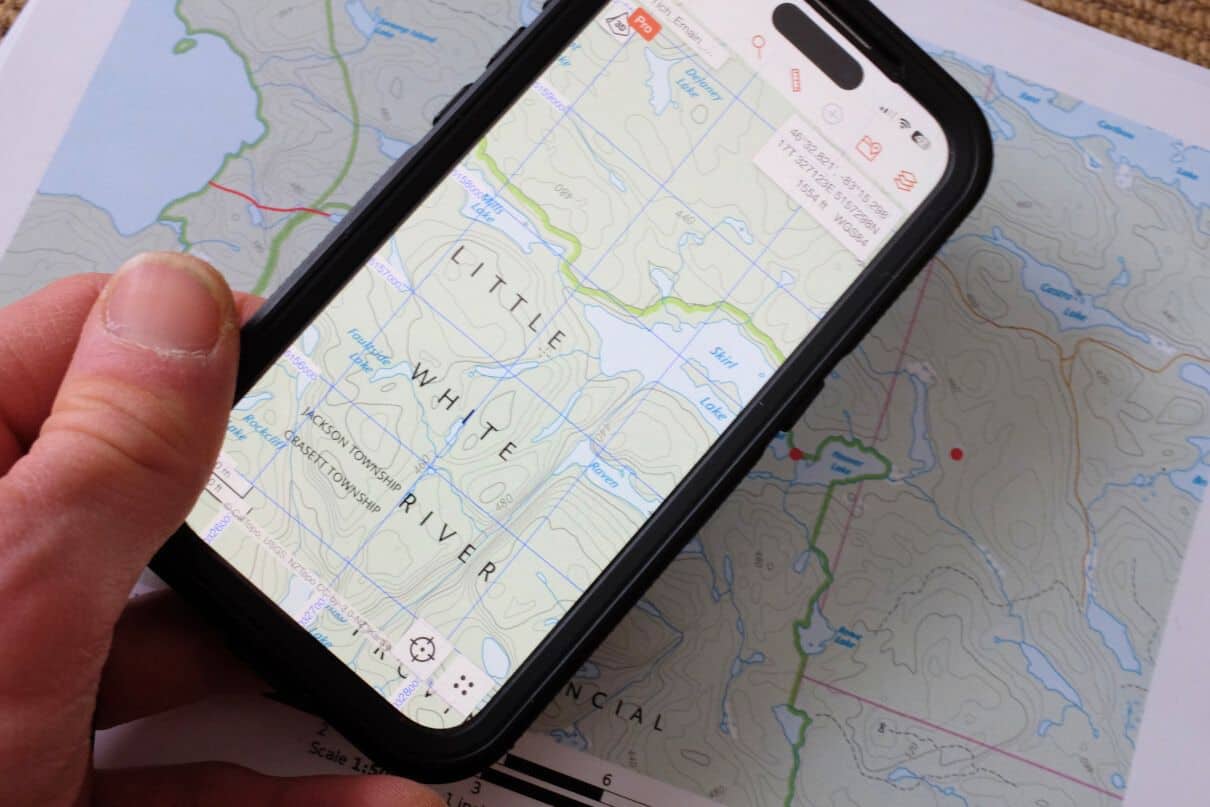
CalTopo has been my go-to route planning tool since a friend told me about the desktop version seven years ago. As its name implies, CalTopo gives you access to scanned topographic maps (at familiar scales of 1:50,000 and 1:24,000 in Canada and the U.S., respectively) for the entire world, and marine charts for the United States that make it a valuable boating app. Satellite imagery is also available to get real-world impressions of the lay of the land and water features, among other base map layers.
With the desktop version, it’s easy to plan a route, marking points of interest, measuring distances and bearings, as well as calculating slope — handy for predicting the level of difficulty of an unknown wilderness river. The maps can be exported to print as PDFs or used to navigate in the field using the mobile version, which uses your phone’s GPS to indicate your position and the direction you’re facing on the map. Just like a handheld GPS unit, you can also mark waypoints in the field, calculate distances and use the app to navigate from point to point.
I like CalTopo because it’s simple and intuitive for those familiar with paper versions of the base map layers it relies on. The basic version is free, and on the desktop platform you can save routes and print letter-sized maps. Upgrading to the Pro version allows you to print up to 48-by-96-inch map sheets. The free mobile version provides access to maps and pre-planned routes wherever cell service is available; the $20 US per year mobile subscription allows you to download maps for offline use (included within the Pro subscription).
Reasons to buy
- Basic version is powerful and free
- GPS integration is especially handy if you like old-school topographic maps or marine chart
Consider another if
- You’re less interested in route planning
Bottom line
CalTopo is easy to use with a wide array of route-planning functions, which dovetail seamlessly into a GPS-enabled mobile app.
Best App for River Trippers
NRS PaddleWays
Free–$49.99 USD per year | paddleways.com
Why I love it
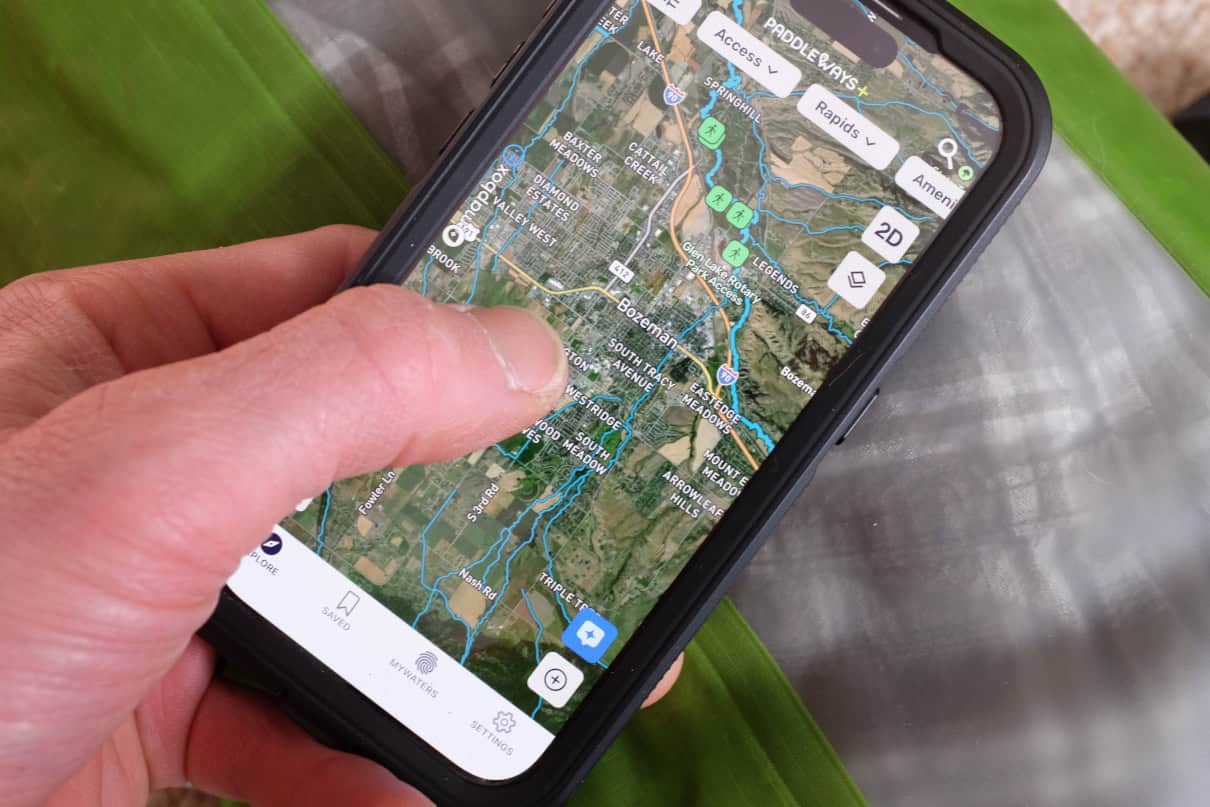
PaddleWays is a community-driven app that offers great intel for finding new places to paddle. It provides guidebook descriptions, paddler reviews and difficulty ratings of primarily river routes across the United States, along with planning tools like detailed maps, launch sites and flow gauges (with optimum levels). Once you’ve selected a route, you can measure distances in accurate river miles, highlight points of interest and set alerts for portages, campsites and rapids. It also allows you to see public and private lands.
Base map layers are the usual Satellite, Outdoor and Street map modes used in other navigation apps, viewable in 2D and 3D versions. Maps, GPS functions and details are available offline when you upgrade to the annual subscription. The app also helps you connect with other paddlers and local outfitters for recent data, shuttle services and permits. While PaddleWays is clearly focused on river paddlers, the ever-growing, user-driven database includes some lake and ocean routes for canoe trippers and touring kayakers.
Reasons to buy
- Great for whitewater paddlers in the United States looking for an interactive tool, with key pieces of local knowledge
- Social media functions allow you to connect with other boaters and outfitters
Consider another if
- You are not a U.S. paddler
- The majority of your paddling does not occur on rivers
Bottom line
An excellent interface for social boaters looking for rivers to paddle in the United States.
Best All-Around Navigation App
Avenza Maps
Free–$34.99 USD per year | avenza.com
Why I love it
I use Avenza Maps in the navigation course I teach for first-year natural environment students. It’s the platform most commonly used in industry, with good crossover for paddlers and hikers. Avenza is quickly replacing handheld GPS units among resource professionals. It has all the same capacities of an advanced GPS unit with access to a huge database of map products, which can be purchased and downloaded for offline use.
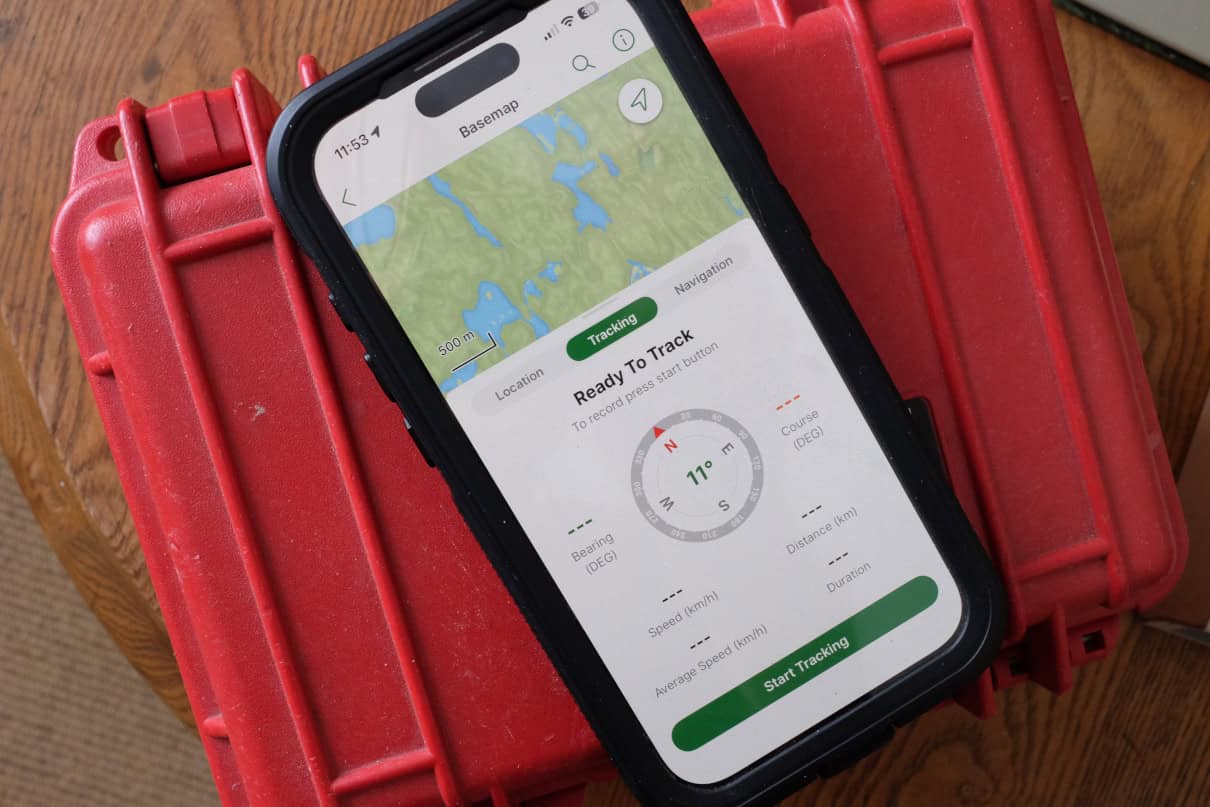
Perhaps because my recreational use of Avenza came with the pressure to be able to explain and teach it to college students, I initially found the interface more confusing than the more basic CalTopo platform. But with practice, it became intuitive to use. For paddlers, it provides access to a wide array of maps, including government topographic maps and marine charts, as well as park maps and detailed “adventure” maps. This huge diversity of source material is one of Avenza’s strengths, along with GPS capabilities and a digital compass that’s accurate, intuitive and deals with the complications of magnetic declination.
Reasons to buy
- Provides easy, cost-effective access to a vast array of maps, which can be accessed offline
- Powerful GPS functionality
Consider another if
- You’re a Luddite who would rather not learn a new smartphone application
Bottom line
With tons of maps and powerful functions, Avenza turns your smartphone into a serious navigational tool.
Best for Logging Stats
Strava
Free–$79.99 USD per year | strava.com
Why I love it
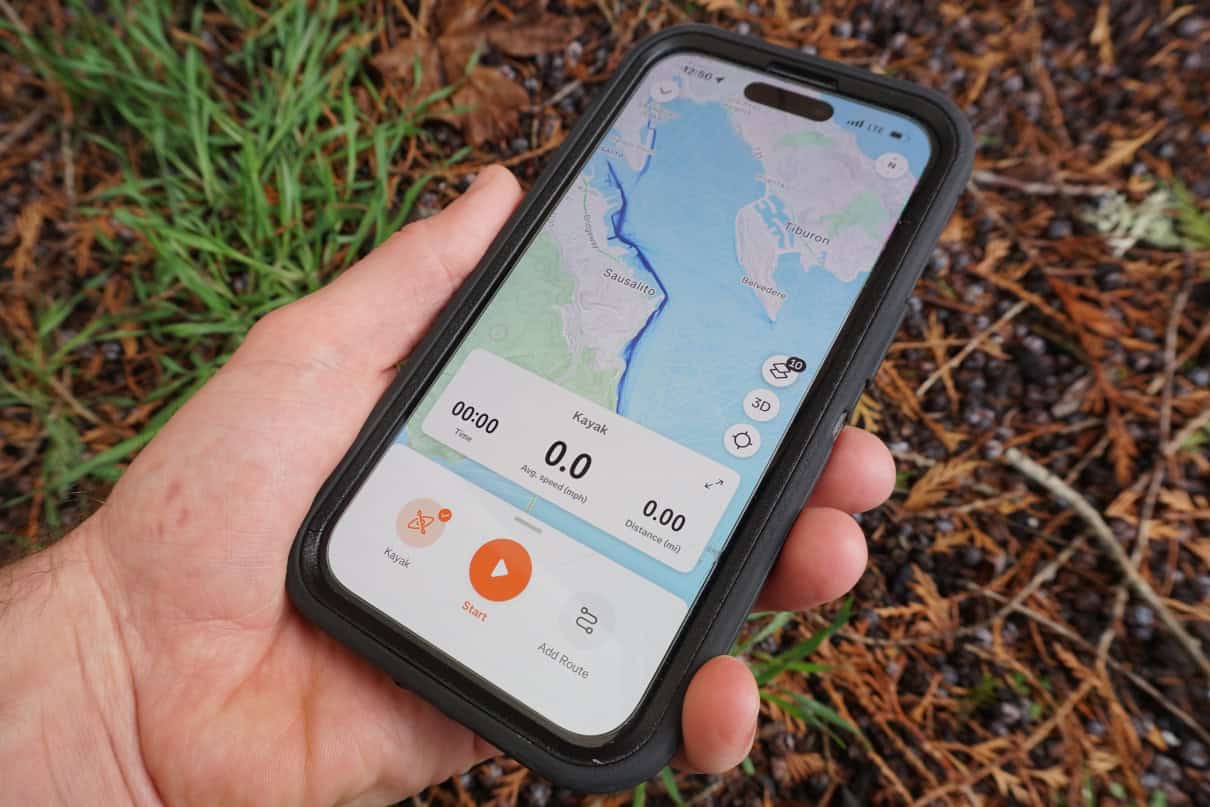
Unless you’ve been living under a rock, you’ve no doubt heard of (and have probably used) Strava for outdoor sports like running, cycling and nordic skiing. Strava is great for paddlers, too, especially if you love keeping track of your speed, distance and time on the water. The mapping feature is a great way to discover new routes, and also enables basic offline navigation by showing you where you are and where you are heading. Most importantly, Strava allows you to connect with like-minded enthusiasts with powerful social media components.
Once you’ve installed the app you can use your phone to track your activity and collect data, using its onboard GPS. However, many users pair Strava with a more streamlined, GPS-enabled fitness watch and use a separate app such as Garmin Connect or Apple Fitness to transfer activity details to the Strava app. Using a fitness watch also allows you to unlock some of Strava’s more advanced functions, such as tracking heart rate zones.
The free version of Strava is all I’ve ever needed, but a paid subscription gives you far more tools to analyze your workout stats and plan routes.
Reasons to buy
- Great for fitness types and those with a competitive edge
Consider another if
- You want detailed maps and navigation capabilities
Bottom line
An addictive, functional platform for adventure athletes.
Best Navigation App for Interfacing
Garmin Explore
Free–$49.95 annual subscription | garmin.com
Why I love it
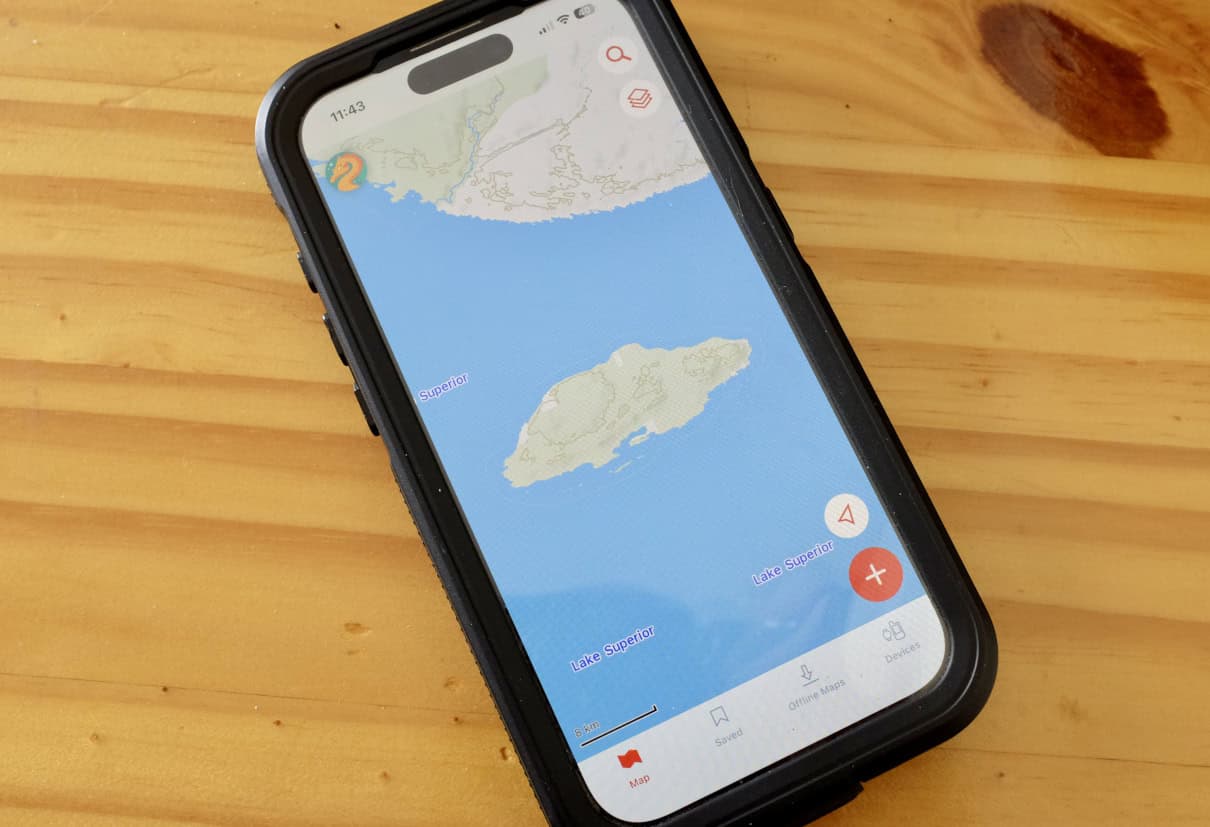
As smartphones and app-based navigational tools have largely rendered handheld GPS units obsolete, tech giant Garmin has been forced to innovate with its own apps to make its devices even more powerful. Garmin Explore allows you to plan routes online or on a mobile device, mark waypoints, download relevant topographic and satellite maps and sync your data with other Garmin devices, such as a GPS unit or satellite communicator. The app works offline, making it very practical for wilderness paddlers, and, since it’s phone-based, it is far faster and easier to use for composing satellite messages and inputting other information.
The app also offers unlimited cloud storage to organize data, keep track of statistics and share your routes. The basic Garmin Explore app is free for Garmin customers. An expanded selection of maps for around the world, including high-resolution satellite imagery, is available with an Outdoor Maps+ subscription.
Reasons to buy
- A free add-on to enhance your Garmin GPS, smartwatch or satellite communicator
- Easy to use, excels offline and offers unlimited cloud-based storage
Consider another if
- – You’re not an existing Garmin product owner
Bottom line
A great tool to make your Garmin navigation and communication devices even more useful.
Best iPhone Navigation App for Keeping It Simple
Apple iOS Compass
Free | apple.com
Why I love it
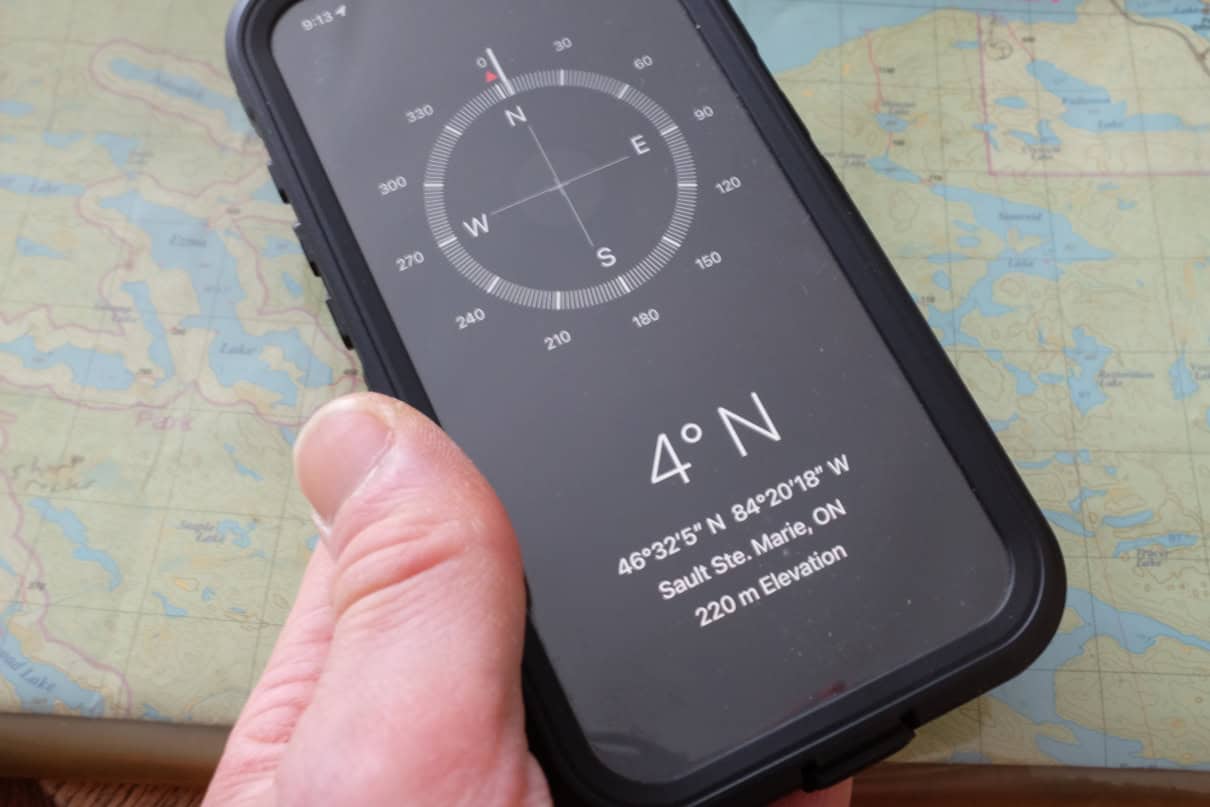
The compass app installed on every iPhone is accurate and handy. Teaching navigation to college students, I often deal with students arriving to class without their required old-school manual compass. As an alternative, I request they use the compass app on their phone, and, in my experience, iPhones outperform Androids (a compass app is not built in on some Android models but free downloads are available).
The iPhone compass is accurate in measuring magnetic bearings as well as true bearings that compensate for declination. It also allows you to follow a course. Much like a marine compass, the one built into every iPhone isn’t affected by tilt, so you can hold your phone out with a straight arm at eye level to take more precise sightings. What’s more, the iPhone compass also includes elevation and your location in latitude and longitude coordinates, which can be cross-referenced to identify your position on a map.
Reasons to buy
- It’s free and available for iPhone users
- A trustworthy backup for manual compasses
Consider another if
- You’d rather disconnect in the outdoors
- You are looking for a more powerful, GPS-enabled navigation app with mapping functions
Bottom line
Built in and ready to get you out of a jam — as long as your iPhone batteries have a charge.
Best for Staying Found
What3Words
Free | whatthreewords.com
Why I love it
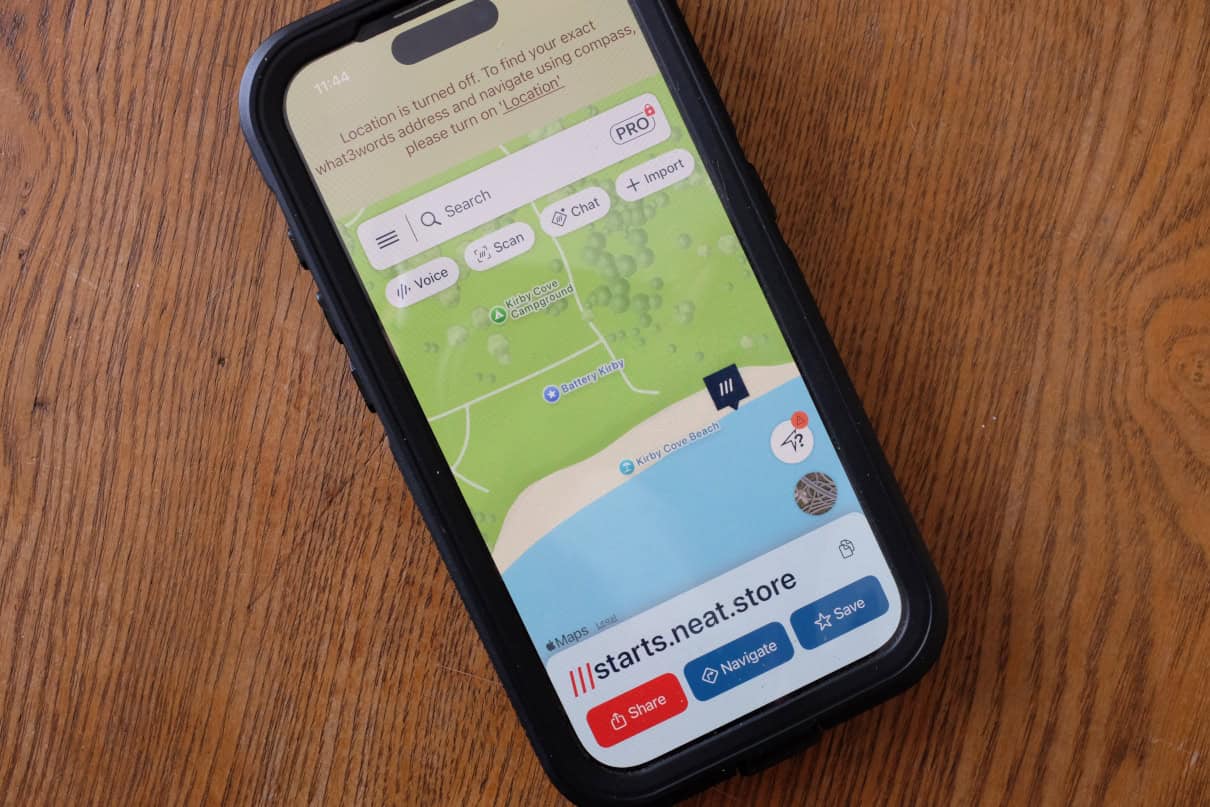
What3Words eliminates the confusing number salad of conventional latitude and longitude or UTM grid position references and replaces them with words. Essentially, the app divides the globe into 3-by-3-meter squares and assigns three unique words to each. These word-based coordinates can be used in other navigation apps, such as Avenza Maps, to communicate your position to others or input points of interest along a route.
Though it is not well used by some government agencies (such as the Canadian and U.S. coast guards), What3Words is increasingly becoming a go-to system for land-based search and rescue because of its simplicity. The app is free, and it works offline by using your phone’s internal GPS. Just remember, you’ll need a satellite communication device if you want to share your location when you’re outside of cell service.
Reasons to buy
- Simple, free tool in case you get lost
- Precise position finding (3-meter resolution)
Consider another if
- You are looking for a more multi-functional navigation app
Bottom line
A free and nearly foolproof way to identify and share your position.
Things To Consider When Choosing Navigation Apps
The best piece of advice for choosing a navigation app — as it is for purchasing just about anything – is to try before you buy. Luckily, basic, free versions of all of the products featured here make it easy for you to test out the various interfaces before committing to making a purchase. Even then, some app developers allow the choice for monthly versus annual subscriptions. While it’s always cheaper to subscribe for a year, you could also try the product for a month before making a longer-term decision. Some apps also come with free trial periods for premium features — just be sure to mark your calendar with the date when fees kick in.
Like any piece of technology, there are pros and cons for each of the products we’ve highlighted. Consider how you will use a navigation app before committing to making a purchase. A big consideration is whether or not you need offline capabilities; with cell phone signals pushing further and further into the hinterlands, you may not need to worry about a product that supports true “wilderness” use.
Don’t discount the convenience of free apps, too. For example, the basic CalTopo platform is a great route planning tool that’s also easy to use in the field; What3Words is a free download that could save your life if you become lost; and the compass built into every iPhone is highly functional. It’s worth taking all of these products for a test drive so you know how they work in case you find yourself in a pinch.
How We Tested
I’ve been teaching outdoor navigation to college students for over a decade. Though I prefer hands-on, manual technology, it’s become apparent over time that navigation apps have solidified their role in making it easier to get around. Testing this technology has been equal parts fulfilling my responsibilities as an educator with my personal passion for outdoor adventure sports like sea kayaking, canoeing, trail running and backcountry skiing.
Why Trust Us
I’ve worked as a sea kayak and canoe guide, outdoor educator and environmental journalist for over 20 years. During that time I’ve seen the emergence of civilian GPS units, satellite communicators and development of smartphone apps that are rapidly making everything else obsolete. All the while, I’ve kept my magnetic compass and paper maps close while picking and choosing which are the best navigation apps to enhance my personal pursuits.